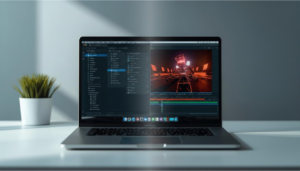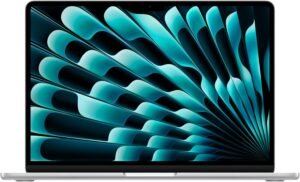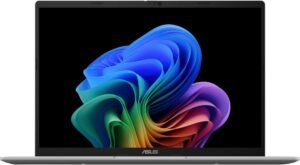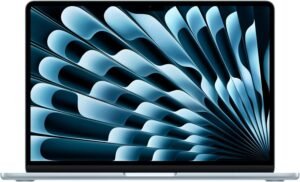
Top 10 Laptops for Students
Top 10 Laptops for Students Read More »
Looking for the best laptops and computers to fit your work, gaming, or everyday needs?
From budget-friendly laptops to high-performance gaming PCs, choosing the right system can dramatically impact productivity, multitasking, and long-term usability. This category focuses on machines that deliver balanced performance without unnecessary overspending.
Whether you’re working from home, editing content, gaming competitively, or simply browsing and streaming, our rankings and guides help you compare systems quickly and confidently.
Explore our expert Top 10 rankings covering multiple use cases:
Each list focuses on a specific type of system and compares the strongest options available today. Rankings are organized around real-world usage so you can quickly identify systems suited for gaming, professional work, or everyday tasks.
One of the most common decisions buyers face is whether to choose a laptop or a desktop computer.
Laptops prioritize portability, convenience, and all-in-one design. They allow users to work from anywhere and often include integrated displays, keyboards, and batteries. For remote workers, students, and casual users, this flexibility is often the biggest advantage.
Desktop computers, on the other hand, offer stronger performance potential and greater upgradeability. Desktop systems generally have better cooling, larger power budgets, and easier component replacement.
Gaming performance depends primarily on two components: the CPU and GPU and understanding the difference between CPU vs GPU in laptops helps explain why some systems perform better in games than others.
The graphics card handles most of the rendering work in modern games, making it the most important component for high-frame-rate gaming. A strong processor still matters, especially for simulation-heavy titles and competitive games that rely on fast input processing.
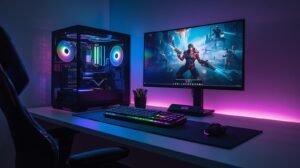
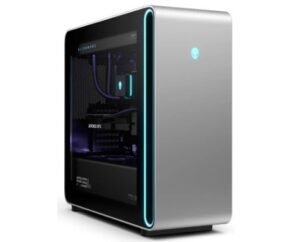
Desktop gaming PCs usually offer the strongest performance because they allow larger graphics cards and more advanced cooling systems. This is why many competitive gamers still prefer desktop setups.
If you’re evaluating whether a gaming desktop is the right investment, our gaming PC value guide breaks down when they make sense and when they may not.
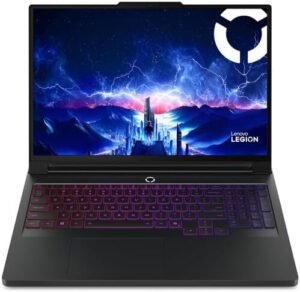
However, gaming laptops continue to improve. Many models now include high-refresh-rate displays, powerful GPUs, and surprisingly capable cooling solutions.
For remote work and productivity tasks, reliability and comfort matter more than extreme hardware performance.
Systems used for work from home should prioritize:
Most productivity tasks benefit from modern multi-core processors and at least moderate RAM capacity, especially when you understand how much laptop RAM you actually need for multitasking. Fast SSD storage also makes a noticeable difference in system responsiveness.
Budget systems remain one of the most popular laptop categories because many users simply need reliable everyday performance without premium features.
Well-chosen budget laptops can easily handle:
However, budget systems do involve compromises. Lower-priced laptops may include less powerful processors, lower brightness displays, or reduced build quality compared to premium models.
Even so, many affordable devices still provide excellent value if you focus on the right specifications.
Modern laptops and desktop computers vary significantly in performance depending on their internal hardware.
Processors (CPUs) determine how quickly systems handle tasks such as multitasking, file processing, and application responsiveness. Memory (RAM) affects how many programs can run simultaneously without slowing the system down.
Graphics processing units (GPUs) handle visual workloads like gaming, 3D rendering, and certain creative applications. Storage drives — typically solid-state drives (SSDs) — influence how quickly systems boot and load programs.
If you want a deeper explanation of how these components work together, our laptop specs guide breaks down the most important specifications buyers should understand.
Understanding these components helps ensure you choose systems that balance performance, price, and long-term usability.
Many buyers accidentally overspend or choose systems that don’t match their actual needs.
One common mistake is purchasing far more RAM or processing power than necessary for basic tasks. Another frequent issue is selecting thin, ultra-portable laptops for workloads that require stronger cooling and sustained performance.
Some buyers also focus heavily on specifications without considering real-world usability factors such as display quality, keyboard comfort, or long-term reliability.
By understanding how components interact and focusing on practical performance rather than headline specifications, it becomes much easier to choose systems that remain useful for years.
Choosing the right system ultimately comes down to identifying how you plan to use it, and if you want a deeper breakdown, our guide on how to choose the right laptop in 2026 walks through real-world decision factors step by step.
Everyday users typically prioritize portability, battery life, and reliability. Remote workers often benefit from comfortable displays and stable multitasking performance. Gamers need stronger graphics capability and effective cooling.
When evaluating computers, consider:
Balancing these factors helps ensure you select systems that provide the best overall experience for your specific needs.
Devices are compared against similar systems in the same price and performance categories to ensure fair evaluation.
This category is reviewed and updated regularly to reflect new hardware releases, updated rankings, and discontinued systems removed from consideration. As processors, graphics hardware, and laptop designs evolve, our rankings and guides are updated to ensure recommendations remain accurate and relevant for 2026 and beyond.