
Laptop GPU vs CPU Explained: What’s the Difference and Which One Do You Need?
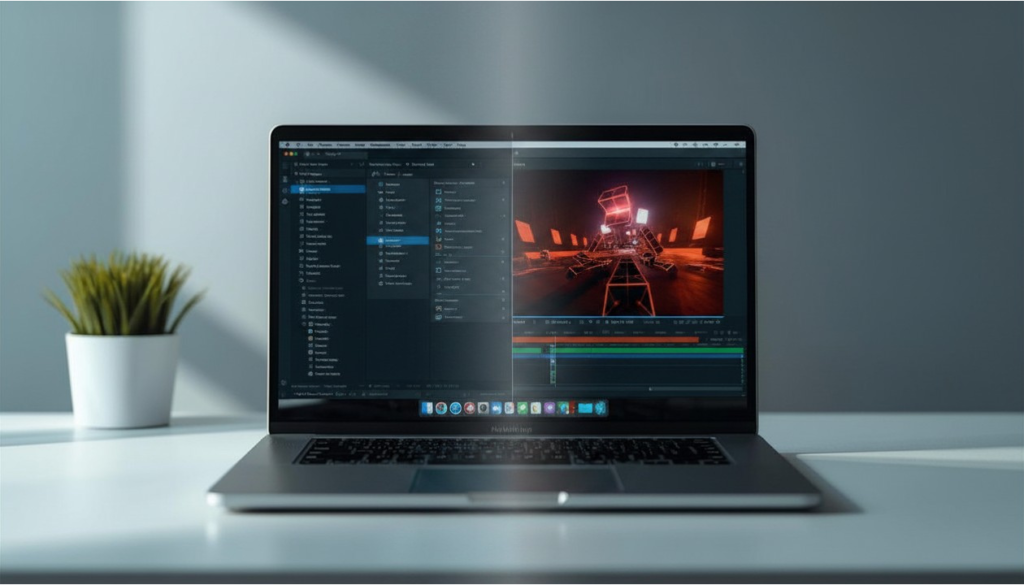
When comparing laptop GPU vs CPU, the difference isn’t about which component is “better,” but how each one is designed to handle work. The CPU (central processing unit) manages general system tasks, logic, and multitasking, while the GPU (graphics processing unit) is built for parallel workloads like gaming, rendering, and visual processing.
In modern laptops, these components don’t compete—they complement each other. A well-balanced system relies on both working together efficiently. If you’re unsure how these components fit into the bigger picture, our Laptop Specs Explained guide breaks down how CPUs, GPUs, RAM, and storage all work together in real-world use.
Understanding how they differ, and when each one matters more, is what allows you to choose the right laptop without overpaying for performance you won’t use.
If you’re comparing systems or researching hardware upgrades, visit our Laptop and Computer rankings and buying guides to explore recommended machines across different performance tiers.
Laptop CPU vs GPU: The Basics Explained (For Beginners)
What Is a CPU in a Laptop?
The CPU is the primary processor of a laptop, responsible for running the operating system, applications, and most background tasks. It handles instructions sequentially and is designed for versatility, making it the foundation of overall system responsiveness.
What Is a GPU in a Laptop?
The GPU is specialized hardware designed to process large volumes of data simultaneously. This makes it particularly effective for graphics rendering, video editing, and gaming workloads.
What Does a CPU Do vs What Does a GPU Do?
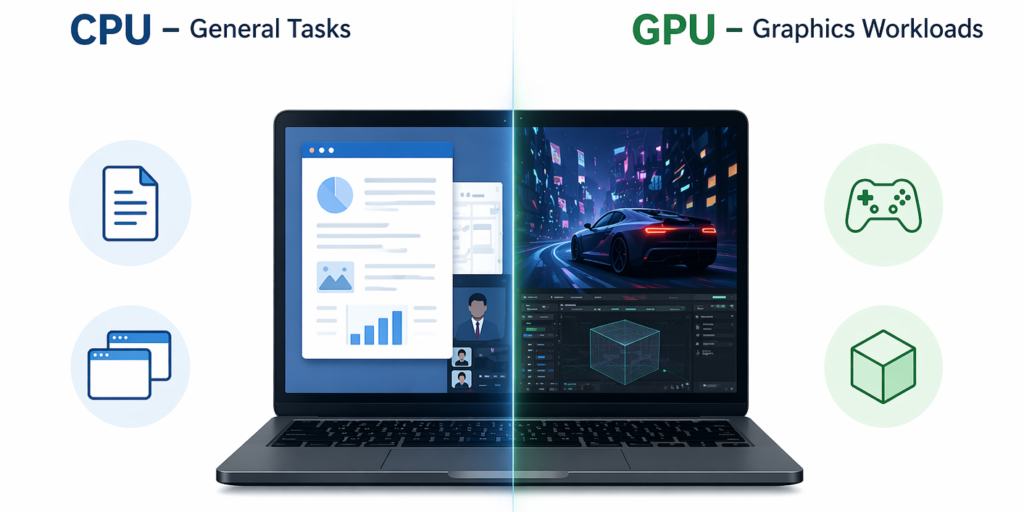
While both components process data, they do so in fundamentally different ways. The CPU handles complex, varied instructions and coordinates system activity, while the GPU excels at repeating similar calculations across many data points at the same time.
Why Do Laptops Have Both a CPU and a GPU?
Modern computing demands both flexibility and specialization. The CPU ensures the system runs smoothly across a wide range of tasks, while the GPU steps in when high-performance parallel processing is needed.
Integrated Graphics vs Dedicated GPU: What’s the Difference?
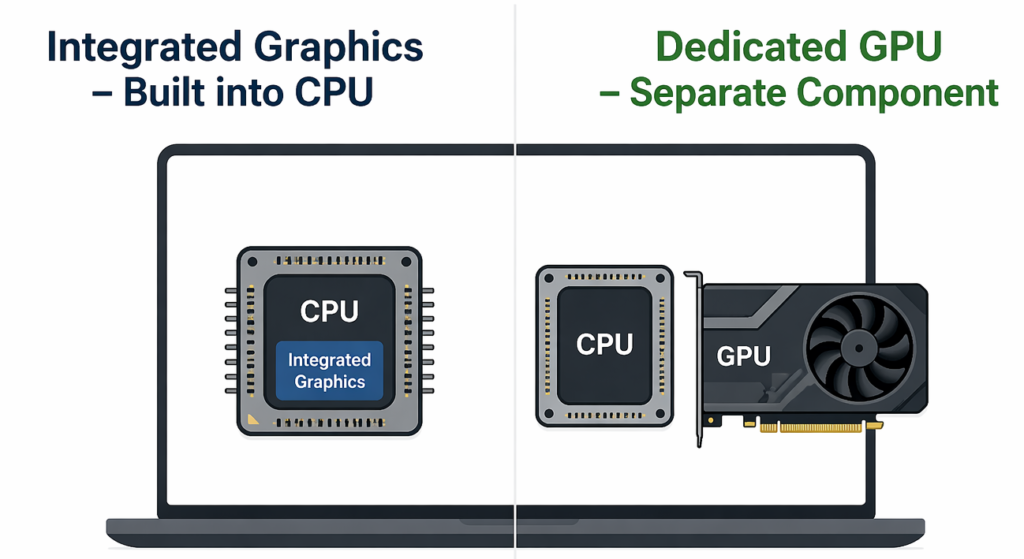
Laptops can rely on either integrated graphics or a dedicated GPU. Integrated graphics are built into the CPU and share system memory, making them efficient and sufficient for everyday use. Dedicated GPUs have their own memory (VRAM) and significantly higher performance, making them better suited for gaming and creative work.
Can a Laptop Work Without a Dedicated GPU?
Yes. Most laptops operate entirely on integrated graphics and perform well for browsing, office work, and media consumption.
CPU Cores vs GPU Cores: How Are They Different?
CPU cores are fewer in number but designed for complex tasks, while GPU cores are far more numerous and optimized for parallel workloads.
CPU vs GPU Performance by Use Case
CPU vs GPU for Everyday Laptop Use
For typical daily tasks—web browsing, office applications, and streaming—the CPU is the primary driver of performance. If your workload is focused on productivity, battery life, and responsiveness, choosing the right overall system matters more than chasing raw specs. Our How to Choose the Right Laptop in 2026 guide walks through how to balance CPU, RAM, and storage based on real-world use.
A dedicated GPU does not significantly improve general responsiveness, which is why most everyday laptops rely on integrated graphics.
CPU vs GPU for Gaming Laptops
For gaming, the GPU is typically the most important component, as it determines visual quality and frame rates. However, the CPU still plays a critical role in maintaining stable performance and preventing bottlenecks.
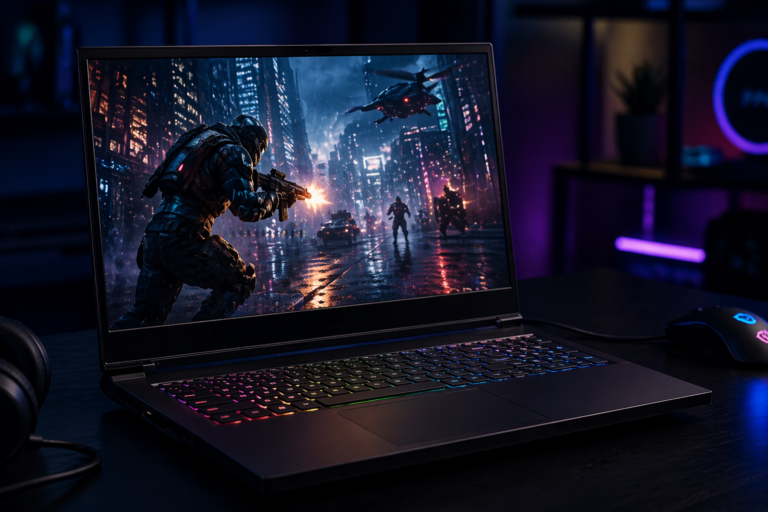
If you’re looking at real systems where CPU and GPU combinations are already balanced for gaming, see our Top 10 Gaming Laptops roundup for examples across different performance tiers.
A strong GPU paired with a weak CPU can still be limited, while a powerful CPU cannot compensate for a weak GPU in graphically demanding games. Modern titles are largely GPU-heavy, though some simulation and strategy games still rely more on CPU performance.
CPU vs GPU for Content Creation
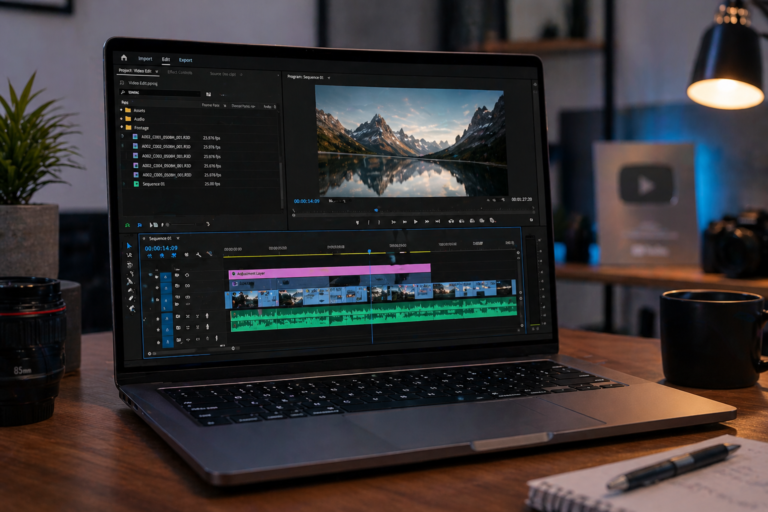
Content creation workloads rely on both components. The CPU handles core processing tasks, while the GPU accelerates rendering, previews, and effects in supported applications.
For lighter creative tasks like photo editing, a GPU is helpful but not always necessary. For more demanding workflows like 4K video editing, a dedicated GPU provides a noticeably smoother experience and faster export times.
CPU vs GPU for Programming and Technical Work
Most programming tasks rely heavily on CPU performance, particularly core count and thread efficiency. A dedicated GPU is generally unnecessary unless you’re working with machine learning, simulations, or GPU-accelerated development environments.
Laptop Specific CPU and GPU Considerations
Laptop CPUs and GPUs are designed around power efficiency and thermal limits, which means they are typically less powerful than desktop equivalents. This is why balancing performance and cooling is critical in portable systems.
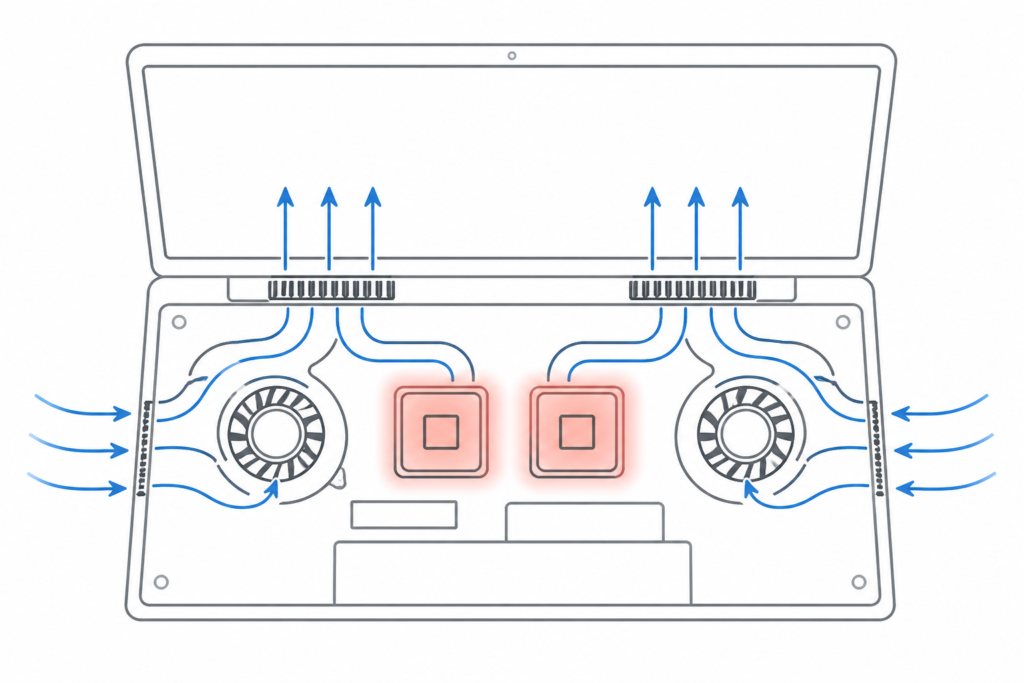
Thermal throttling can reduce performance under sustained workloads, and in many laptops, the CPU and GPU share power limits. This means they often cannot operate at full capacity simultaneously for extended periods.
Battery Life and Heat: CPU vs GPU Impact
A dedicated GPU consumes more power, especially under load, which can significantly reduce battery life. GPU-heavy tasks also generate more heat, increasing fan noise and thermal output.
Modern laptops manage this through hybrid graphics systems that automatically switch between integrated and dedicated GPUs depending on the workload, helping preserve battery life during lighter tasks.
CPU vs GPU: Budget and Buying Decisions
Choosing between CPU and GPU performance ultimately comes down to how you plan to use your laptop.
If your workload is focused on productivity, remote work, or general multitasking, prioritizing CPU performance and efficiency will deliver a better experience. Our Top 10 Laptops for Work from Home guide highlights systems optimized for these types of tasks.
If you’re working within a tighter budget, it’s often better to focus on a balanced system rather than overspending on a single component. The best value options tend to combine capable CPUs with practical graphics performance, which you can see in our Top 10 Budget Laptops Under $800 list.
An unbalanced system—such as pairing a high-end GPU with a weak CPU—can lead to performance bottlenecks that limit overall efficiency.
Laptop CPU and GPU Specs Explained in Simple Terms
CPU cores and threads affect multitasking and parallel workloads, while GPU VRAM determines how much graphical data can be handled efficiently.
For most users:
- 4GB VRAM is enough for light use
- 6–8GB works well for gaming
- 8GB+ is better for demanding workloads
Clock speed alone doesn’t define performance—architecture and efficiency matter just as much. Technologies like CUDA, OpenCL, and ray tracing further enhance GPU capabilities in supported applications.
Common Laptop CPU vs GPU Myths (Debunked)
A GPU does not make a laptop universally faster—it only improves performance in GPU-dependent tasks. Likewise, more CPU cores do not always mean better performance unless the software can take advantage of them.
Integrated graphics are no longer limited to basic tasks and can handle a wide range of everyday workloads effectively. GPUs are also useful beyond gaming, particularly in creative and technical applications. Boot speed, however, depends on storage and CPU performance, not the GPU.
Real World CPU and GPU Scenarios Explained
Real-world performance comes down to balance. A strong CPU without a dedicated GPU works well for productivity but struggles with gaming or rendering. A powerful GPU paired with a weak CPU can be bottlenecked, limiting its effectiveness. Memory also plays a key role in that balance—especially when multitasking or running multiple applications at once. If you want a deeper breakdown, our laptop ram guide explains how capacity impacts real-world performance.
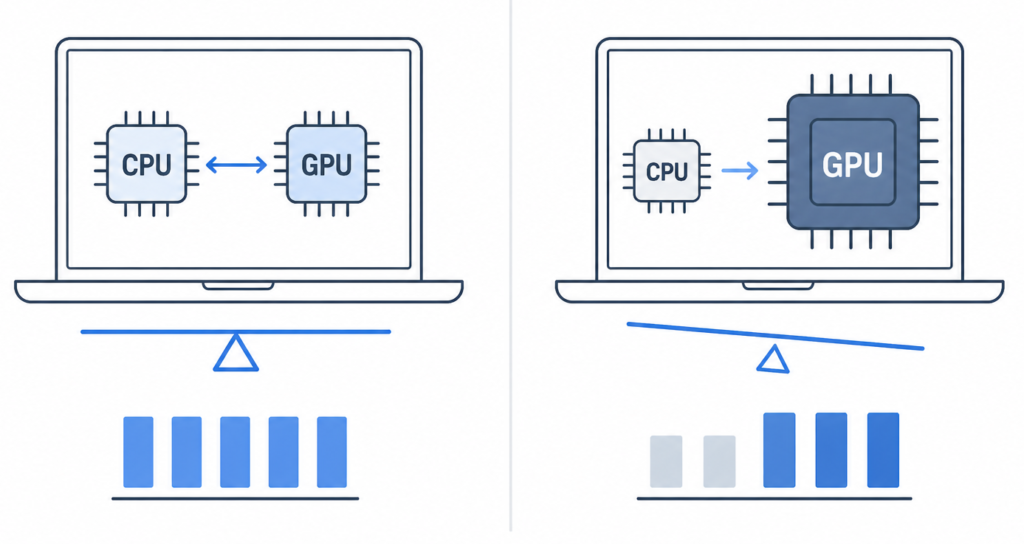
Gaming laptops can handle productivity tasks well, though they may sacrifice battery efficiency. Business-focused laptops, on the other hand, typically prioritize efficiency over graphical performance. For a broader comparison of balanced systems, you can review laptops suited for different student workloads.
Final Verdict: CPU vs GPU — Which One Matters More for You?
Choosing between CPU and GPU performance depends entirely on your workload. For general use, multitasking, and productivity, the CPU should be your priority. For gaming, video editing, and graphics-heavy tasks, the GPU becomes more important.
Most users benefit from a balanced system, where neither component limits the other. The CPU runs your system and keeps everything responsive, while the GPU enhances performance when workloads demand it.