Laptop Specs Explained: CPU, GPU, RAM, Storage (2026)
Laptop Specs Explained: CPU, GPU, RAM, Storage (2026) Read More »
Looking for the best laptops and computers to fit your work, gaming, or everyday needs? At TechGearTopTen, we compare and rank devices based on real-world performance, reliability, and value — not marketing hype.
From budget-friendly laptops to high-performance gaming PCs, choosing the right system can dramatically impact productivity, multitasking, and long-term usability. This category focuses on machines that deliver balanced performance without unnecessary overspending.
Whether you’re working from home, editing content, gaming competitively, or simply browsing and streaming, our rankings are designed to help you compare options quickly and confidently.
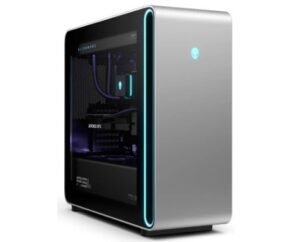
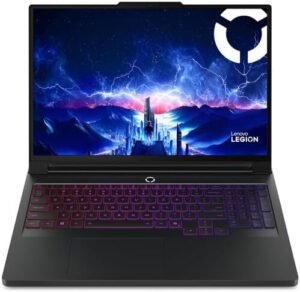
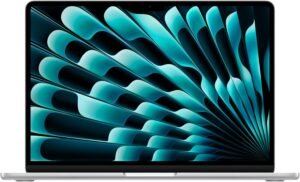
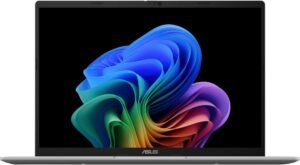
Explore our expert Top 10 rankings covering work-from-home laptops, budget laptops under $800, gaming laptops, and full desktop gaming PCs.
Each list is organized by specific use cases and price tiers, so you can focus on systems that match your actual needs instead of getting overwhelmed by technical specifications.
Modern laptops and desktop computers vary significantly in performance depending on their processor (CPU), graphics capability (GPU), memory (RAM), and storage type. For everyday tasks like web browsing, video streaming, and office applications, mid-range processors and solid-state drives (SSDs) provide smooth and responsive performance.
For gaming or content creation, more powerful CPUs, dedicated graphics cards, higher refresh rate displays, and advanced cooling systems become important. Thermals and power efficiency also play a major role in long-term reliability, especially in thin laptops.
Understanding how these components work together helps prevent common buying mistakes, such as choosing excessive RAM without a capable processor, or selecting a powerful GPU in a poorly cooled chassis.
Choosing the right laptop or computer starts with identifying your primary use case. Everyday users typically prioritize battery life, reliability, portability, and a comfortable display. Professionals may focus more on processing power, memory capacity, color-accurate displays, and long-term durability.
When evaluating systems, consider:
Processor performance and generation
RAM capacity and multitasking needs
SSD storage speed and capacity
Graphics performance (integrated vs dedicated GPU)
Display quality and refresh rate
Battery life and charging efficiency (for laptops)
Upgrade options and port selection
One of the biggest mistakes buyers make is overpaying for specs they don’t need or choosing underpowered systems that struggle within a year. Our guides focus on real-world balance rather than headline specifications.
Real-world performance and responsiveness
Build quality and long-term reliability
Display clarity, brightness, and usability
Thermal performance and system stability
Battery life and power efficiency (for laptops)
Ease of setup and everyday practicality
Price-to-performance value
Who each device is best suited for
We compare devices against similar models in the same performance class and price range to ensure fair evaluation. Rankings are updated as new hardware generations launch and older models become less competitive.
This page is reviewed and updated regularly to reflect new releases, refreshed rankings, and discontinued models removed to ensure recommendations stay current in 2026 and beyond.